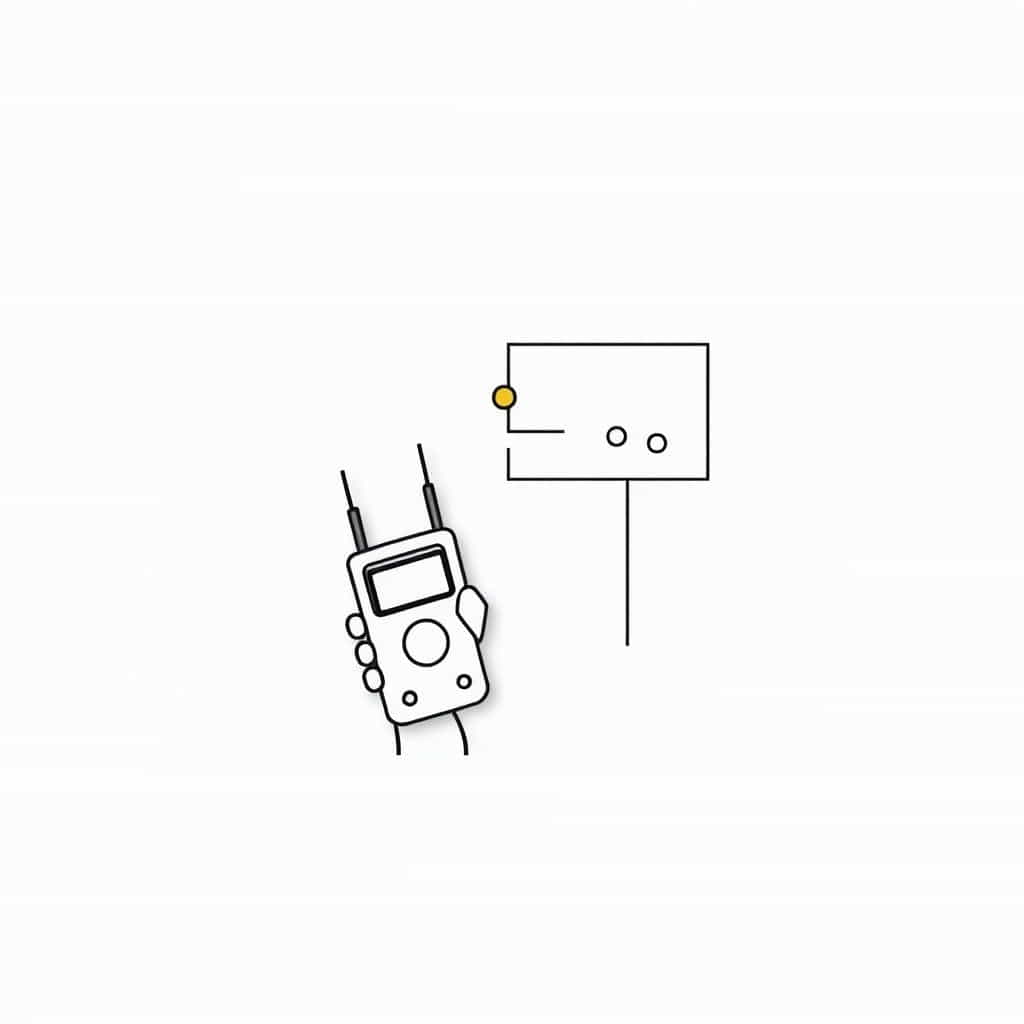
How Do You Connect an Ohmmeter? A Simple GuideAn ohmmeter is a device used to measure the resistance of a component in an electrical circuit. It is an essential tool for anyone working with electronics, electrical systems, or troubleshooting electrical devices. Understanding how to connect an ohmmeter correctly can help ensure accurate readings and prevent damage to the device you’re testing. This guide will walk you through the steps to connect an ohmmeter and use it effectively.
What is an Ohmmeter?
An ohmmeter is a type of multimeter that specifically measures resistance. Resistance is the opposition to the flow of electric current through a conductor, typically measured in ohms (Ω). An ohmmeter works by sending a small current through the component being tested and measuring how much the current is resisted. By doing this, the ohmmeter provides a reading of the resistance value of the component.
Ohmmeters are commonly used to test resistors, wires, switches, and other electrical components. They can also help diagnose faults in electrical circuits, such as open circuits, short circuits, or damaged components.
Types of Ohmmeters
Before learning how to connect an ohmmeter, it’s important to know the different types of ohmmeters available
-
Analog Ohmmeter This type uses a needle or dial to indicate the resistance on a scale. It requires more skill to read but can be effective for quick tests and simpler circuits.
-
Digital Ohmmeter This type displays the resistance value on a digital screen. It is easier to read and offers more precision, making it a popular choice for most users.
Regardless of the type of ohmmeter, the method for connecting it to a circuit or component remains the same. The following steps will cover both analog and digital ohmmeters.
Step-by-Step Guide How to Connect an Ohmmeter
Step 1 Prepare the Ohmmeter
Before using the ohmmeter, ensure it is properly set up. Follow these steps
-
Set the range Most digital ohmmeters will automatically adjust to the correct range for the measurement. However, if you’re using an analog ohmmeter, you may need to manually set the range based on the expected resistance of the component you’re testing. Choose a range that is suitable for the component’s resistance (e.g., for testing resistors, use a range that can measure small resistance values like 1kΩ or 10kΩ).
-
Turn off power Always ensure the power is off before connecting the ohmmeter to a component. Measuring resistance in a live circuit can damage the ohmmeter or give inaccurate readings.
-
Check the battery Make sure the ohmmeter has sufficient battery power, especially if you’re using a digital model. A weak battery may lead to incorrect measurements.
Step 2 Identify the Probes
Ohmmeters use two probes to make a connection to the component you’re testing
-
Red Probe This is typically the positive probe and is used to connect to one side of the component or circuit.
-
Black Probe This is the negative probe and is used to connect to the other side of the component or circuit.
Both probes are essential for completing the circuit in the ohmmeter, allowing it to measure the resistance between the two points.
Step 3 Connect the Probes to the Component
Now, you’re ready to connect the probes to the component you’re testing. Here’s how
-
For resistors Attach the red probe to one end of the resistor and the black probe to the other end. The resistance value will be displayed on the ohmmeter.
-
For wires or cables Connect the probes to both ends of the wire. If the wire is in good condition, the reading should show a low resistance value (close to 0 ohms). If there is damage or an open circuit in the wire, the resistance will show as infinite (or very high resistance).
-
For switches Connect the probes to the terminals of the switch. If the switch is closed (in the ‘on’ position), the resistance will be very low. If the switch is open (in the ‘off’ position), the resistance will be very high or infinite.
-
For other components If you’re testing more complex components like capacitors or transistors, follow the component’s specific testing procedures. The exact connections may vary depending on the component you’re testing.
Step 4 Read the Measurement
Once the probes are connected, take note of the resistance value displayed on the ohmmeter
-
Analog Ohmmeter The needle will move along the resistance scale. A higher reading indicates more resistance, while a lower reading shows less resistance. If the needle is at the extreme right, it typically indicates a very high resistance or an open circuit.
-
Digital Ohmmeter The digital screen will display the exact resistance value in ohms (Ω). A low value means less resistance, while a high value shows more resistance. A reading of ‘OL’ (overload) or ‘1’ on the screen typically indicates that the resistance is too high to measure or that there is an open circuit.
Step 5 Disconnect the Probes
After you’ve obtained the reading, disconnect the probes from the component. Make sure to store the ohmmeter properly for future use.
Troubleshooting Common Issues
If you’re having trouble getting a reading or if the reading seems incorrect, here are some common issues to look out for
-
No Reading or OL (Overload)
-
Cause The circuit is open, or the component has infinite resistance.
-
Solution Check that the probes are securely connected. Ensure the component is not faulty, and confirm that there’s no power running through the circuit.
-
-
Erratic Readings
-
Cause Loose or poor connections, or the probes are touching another part of the circuit.
-
Solution Ensure the probes are making solid contact with the component and that there is no short circuit.
-
-
Incorrect Range
-
Cause The range setting on the ohmmeter may be too high or too low for the component you’re testing.
-
Solution Adjust the range to an appropriate level. Digital ohmmeters often handle this automatically, but analog meters may require manual adjustments.
-
Safety Tips for Using an Ohmmeter
To ensure both your safety and the accuracy of your measurements, follow these tips
-
Turn off power Always disconnect the power supply before measuring resistance.
-
Use the right settings Make sure the range is set correctly to avoid incorrect readings or damage to the ohmmeter.
-
Check for shorts Avoid shorting the probes together, as this can cause damage to the meter or the component being tested.
-
Work in a safe environment Use insulated tools and work in dry conditions to avoid electrical hazards.
Using an ohmmeter is a straightforward process that can help you diagnose and troubleshoot electrical components effectively. By following the steps outlined in this guide, you can confidently measure resistance in a wide range of applications. Whether you’re testing resistors, wires, or other electronic components, the ohmmeter will provide valuable insights into the health and functionality of your circuits. Always prioritize safety, and with a little practice, you’ll become proficient in using this essential tool.